Latest Version
AppDash LLC
Tools
Mac
Free
6469578160
Report a Problem
More About PDF Editor : PDF Reader,Signer
A Versatile Workspace for Desktop Document Management
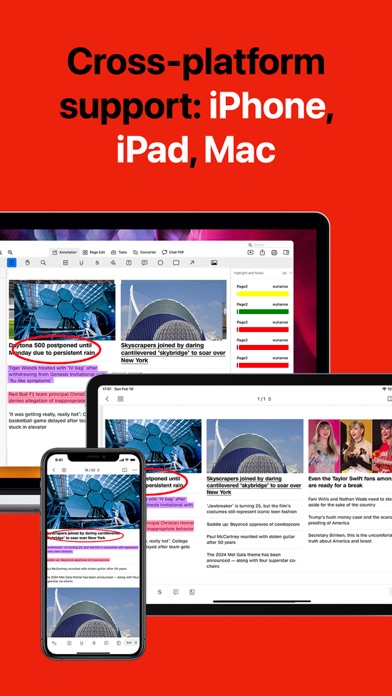
For professionals, students, and remote workers, managing digital documents efficiently is a daily necessity. Developed by AppDash LLC, PDF Editor : PDF Reader,Signer is a dedicated Mac utility designed to streamline how you interact with PDF documents. Whether you need to review contracts, annotate study materials, or manage complex forms, this application brings a robust suite of tools directly to your macOS desktop, eliminating the need for cumbersome, multi-app workflows.
Core Features of PDF Editor : PDF Reader,Signer
This software stands out by combining basic viewing functions with advanced document manipulation tools. Here is a breakdown of what the application offers:
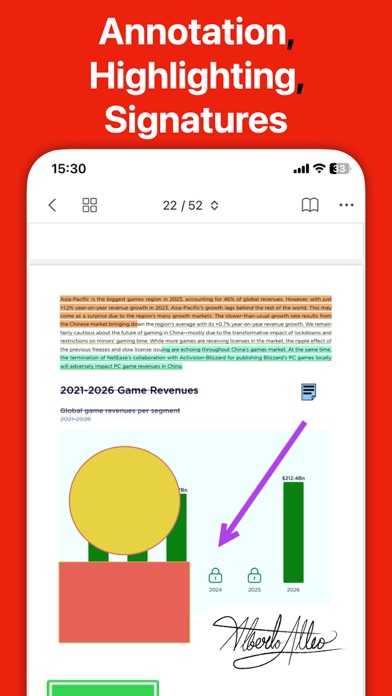
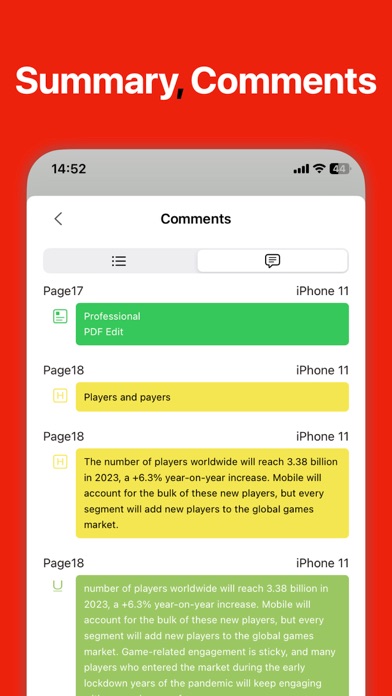
- Marking & Annotation: Easily highlight, underline, or cross out text. Users can customize markup colors, add geometric shapes (rectangles, circles, arrows), and insert custom text boxes or sticky notes with adjustable fonts.
- Flexible Viewing & Printing: Adjust display scaling to fit your screen comfortably, access recently opened files instantly, and utilize an intuitive print configuration menu.
- Multi-Method Signatures: Authorize documents quickly by creating signatures using your mouse, keyboard input, or by importing an image file. Save multiple signatures for rapid deployment.
- Professional Stamping: Apply pre-designed stamps such as "Confidential," "Final," or "Approved," or design custom stamps to fit your corporate workflow.
- Advanced Bookmark Management: Navigate long documents with ease. View existing bookmarks, generate new ones, rename or delete entries, and expand or collapse your bookmark hierarchy with a single click.
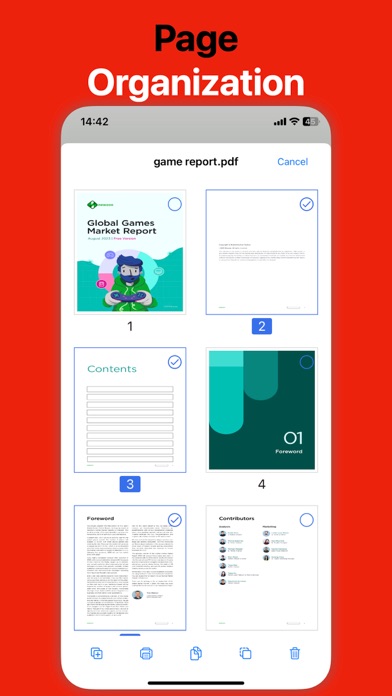
- Comprehensive Page Editing: Merge multiple files, split documents, insert blank pages, extract specific sheets, or rotate and rearrange page orders seamlessly.
- Interactive Form Filling: Complete standard and interactive PDF forms, including checkboxes, text fields, and dropdown lists, without formatting issues.
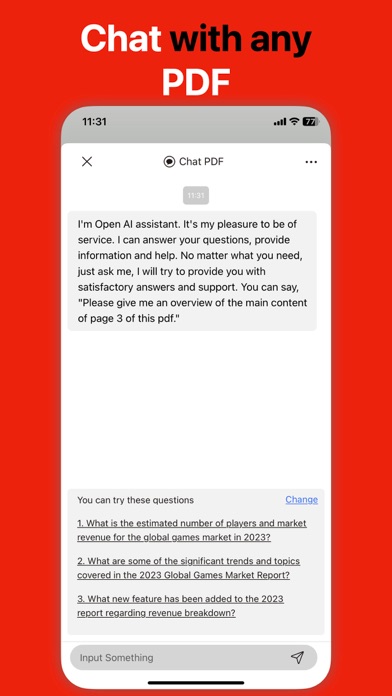
- AI-Powered PDF Chat: Interact directly with your documents to summarize content, polish text, or translate passages on the fly.
Who Benefits Most From This Tool?
PDF Editor : PDF Reader,Signer is highly optimized for users who require a structured, clutter-free environment for document administrative tasks. Corporate legal teams will appreciate the secure signing and stamping capabilities, while academic researchers can leverage the deep annotation and bookmarking features to organize reference papers. The addition of the PDF Chat feature also makes it an excellent choice for those who frequently review long-form reports and need rapid data extraction.
Our Editorial Verdict
By integrating crucial administrative features—ranging from simple page deletion to interactive form filling and signature management—AppDash LLC has created a highly practical utility for macOS. It bypasses the complexity of over-engineered enterprise software while delivering the precise tools needed for daily document management. If you are looking to upgrade your document productivity, check out the official Mac App Store to explore PDF Editor : PDF Reader,Signer today.
Rate the App
User Reviews










Popular Apps









Editor's Choice